01
Connect your application.
Choose a workspace, register your Android app, attach a build, and prepare a device.
Prepare your workspaceAI-native product intelligence workspace
Explore how your application actually works.
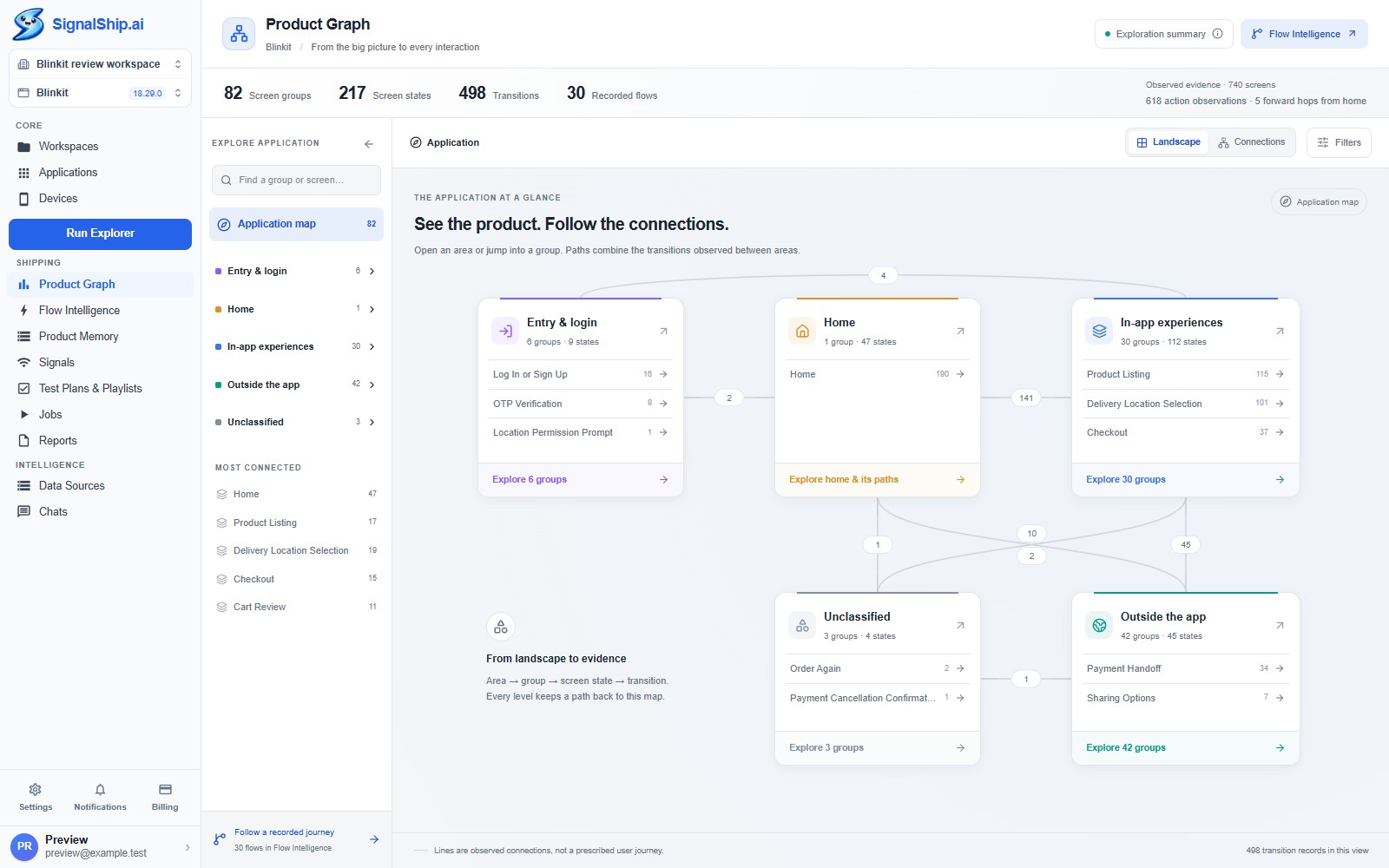
Connect its structure, journeys, and evidence in one clear workspace.
Desktop workspace. Android exploration. Your product, in focus.
Connect the dots
There are paths between them. States within them. And important details that get lost between a bug report, a screenshot, and a release conversation.
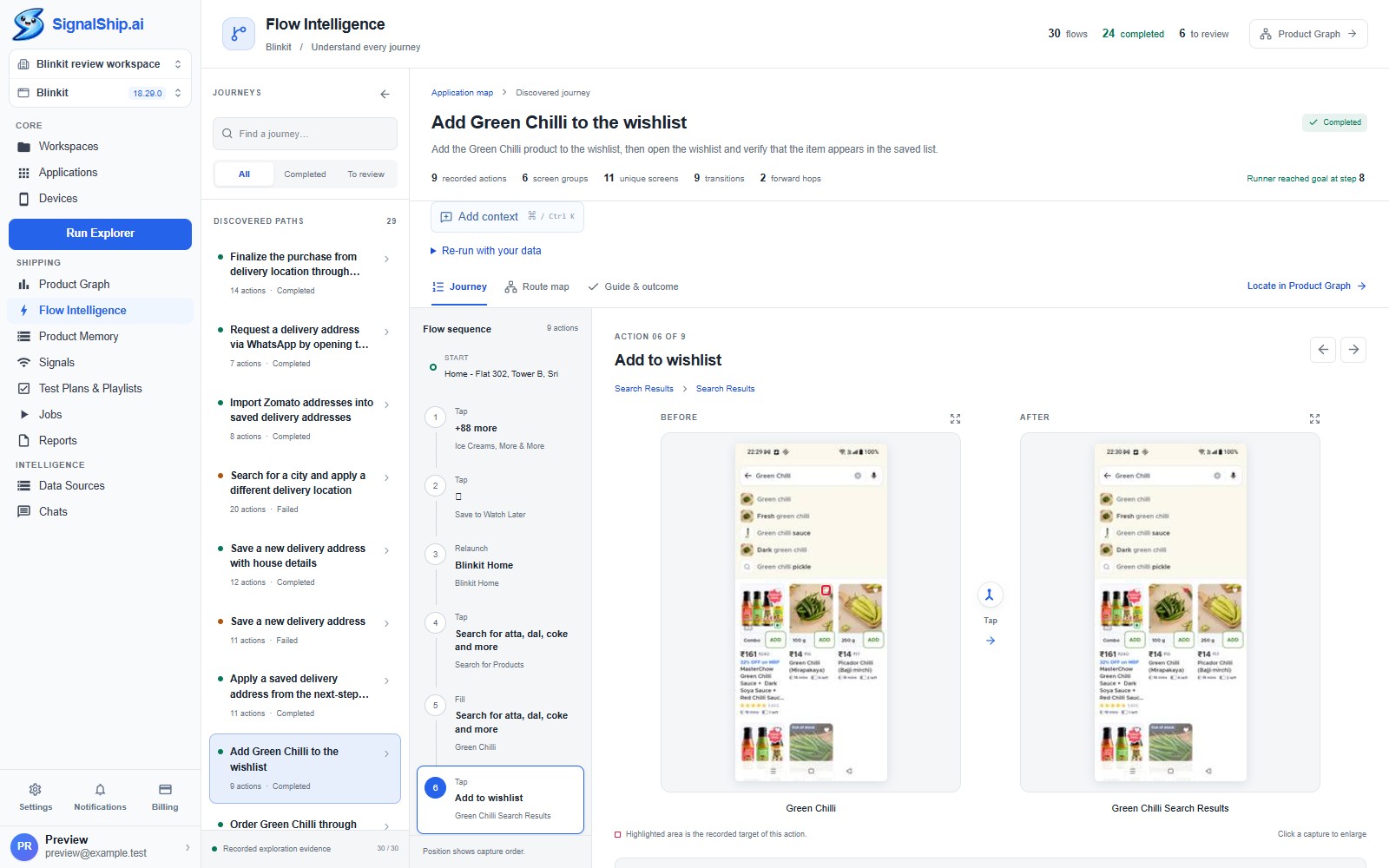
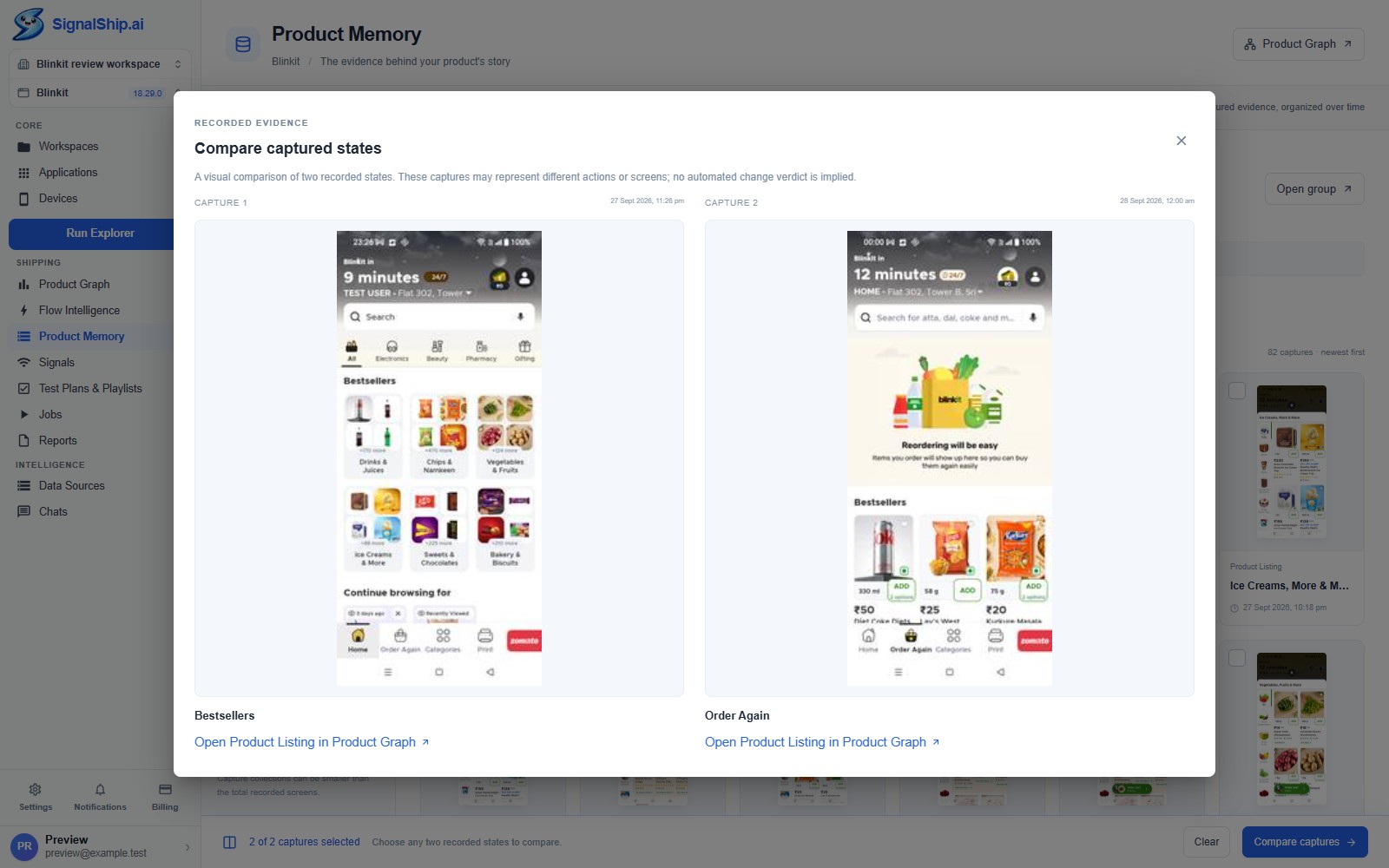
SignalShip gives that behavior a place to live. Start with the product map. Follow a journey. Go back to the evidence.
Meet your product workspaceFrom exploration to understanding
Choose a workspace, register your Android app, attach a build, and prepare a device.
Prepare your workspaceRun Explorer observes the application. Follow its status and respond when it needs your input.
Start an explorationUnderstand the structure, inspect journeys, and organize checks around the flows that matter.
Explore the intelligenceTwo perspectives. One product.
Built for software teams
Different questions.
The same application evidence.
Follow the observed actions and screen evidence behind a journey. Start investigation with context.
Review flows and organize existing cases into playlists and test plans with a clear product reference.
Inspect real screen states and connections. Bring a concrete example into the next product conversation.
SignalShip is a desktop product intelligence workspace. It brings AI-powered application exploration, a Product Graph, recorded journeys, and screen evidence into one place for software teams.
The current MVP explores Android applications. Register your application, attach a build, and connect a supported Android device to get started.
The starting point is understanding the product: its areas, states, connections, and journeys. Test plans and playlists help organize validation around that understanding. Automated case generation and execution depend on the capabilities enabled by your server.
Yes. Switch between the actual desktop views above, open any screenshot at full size, or read the getting-started guide. The screenshots show a recorded example, rather than a live workspace.
Open SignalShip and sign in with your SignalShip email and password. The current desktop app handles sign-in directly; signing in to this website does not automatically sign in the desktop app.

A clearer view. A more informed next step.
Your product has a story.
Bring the structure, journeys, and evidence together.